
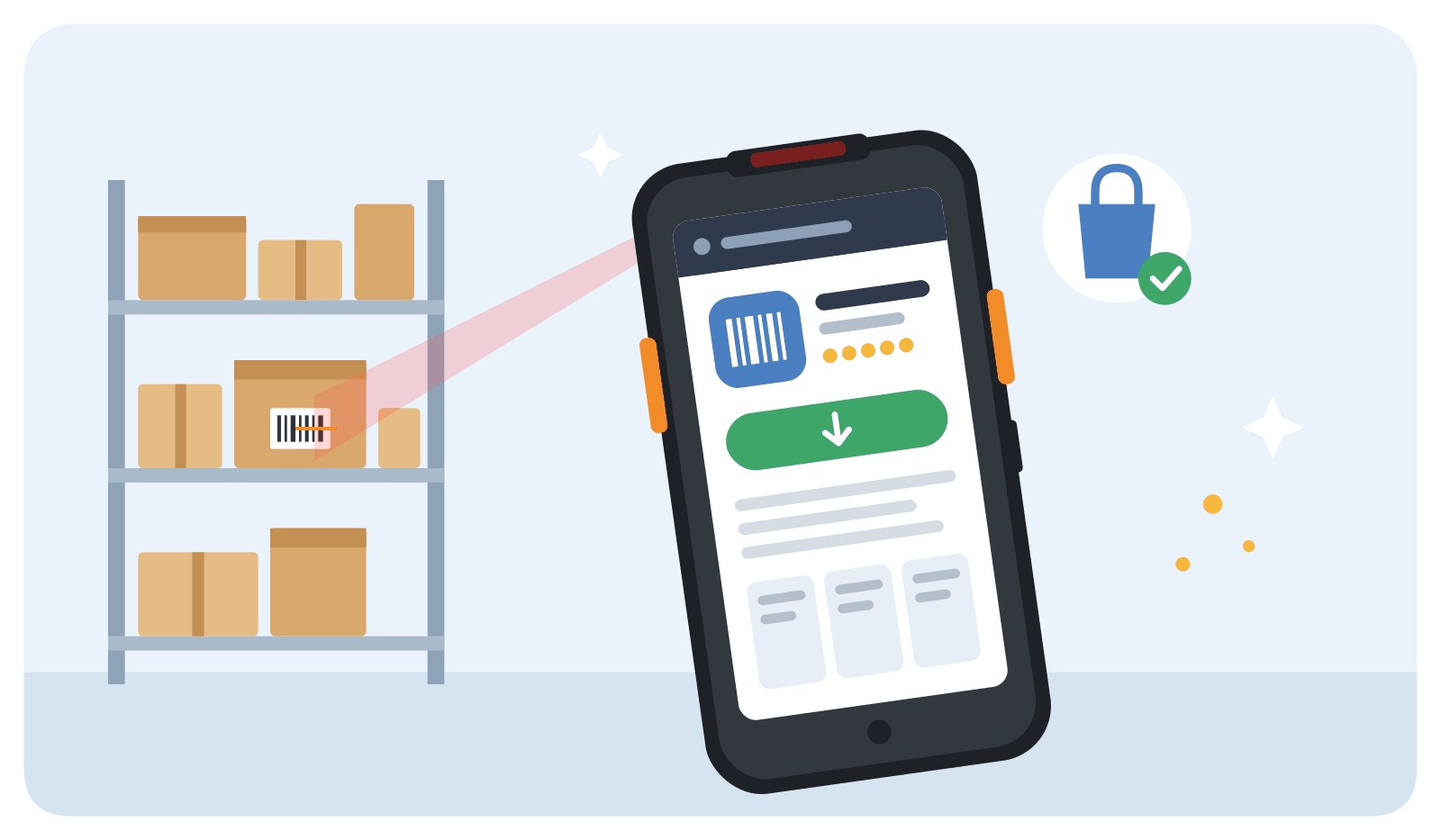
Good news for Sunmi users: Mobilid, the Dolibarr warehouse app, can now be installed directly from the Sunmi app store on your Sunmi device. No more APK downloads or sideloading. Mobilid is also the only actively maintained Dolibarr app on the Sunmi app store.
Mobilid supports the Sunmi L, V and P series, with or without a built-in barcode scanner. On devices without one, Mobilid uses the Sunmi camera scanner.
Mobilid is available in the Sunmi app store in all regions except mainland China.
How to install
- Open the Sunmi app store on your device.
- Search for “Mobilid”.
- Tap Install.
- Install the Mobilid connector in your Dolibarr and connect the app, as described in our documentation.
Mobilid remains available on Google Play and as an APK download for other Android devices. See our device compatibility list for all supported devices.